
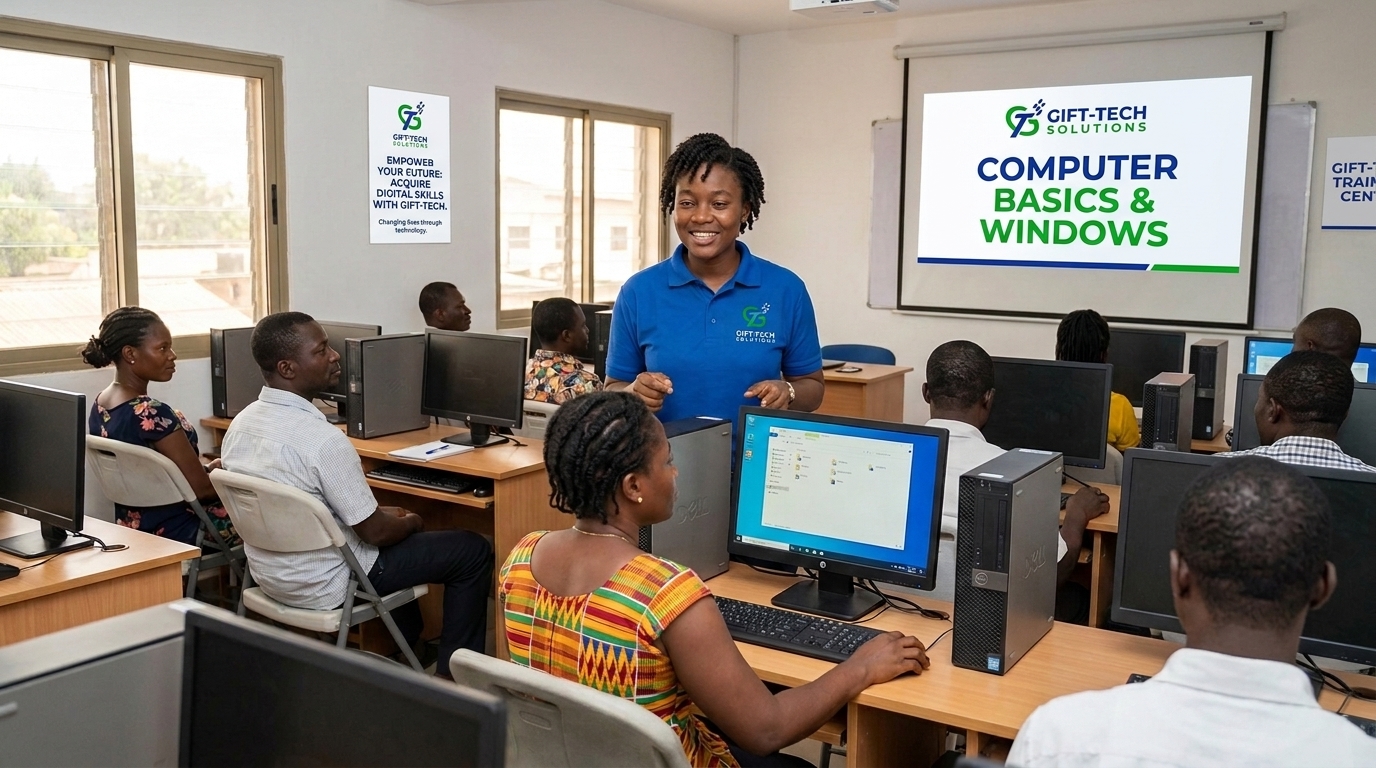
Build practical ability, one project at a time.
Learn computer fundamentals, Windows operating system, file management, internet usage, and essential digital skills for everyday work.
This programme combines clear instruction, guided practice, feedback, and portfolio-ready work.
What you will learn
01Understanding a Computer
02Computer Parts and Their Uses
03Turning a Computer On Correctly
04Shutting Down and Restarting a Computer
05Introduction to the Computer Mouse
06Left-Clicking, Right-Clicking and Double-Clicking
07Introduction to the Keyboard
08Common Keyboard Keys
09Introduction to Microsoft Windows
10Understanding the Windows Desktop
11Using the Start Menu
12Understanding the Windows Taskbar
Who this course is for
Students, career changers, professionals, entrepreneurs, and curious builders who want a structured, practical route into this skill area.